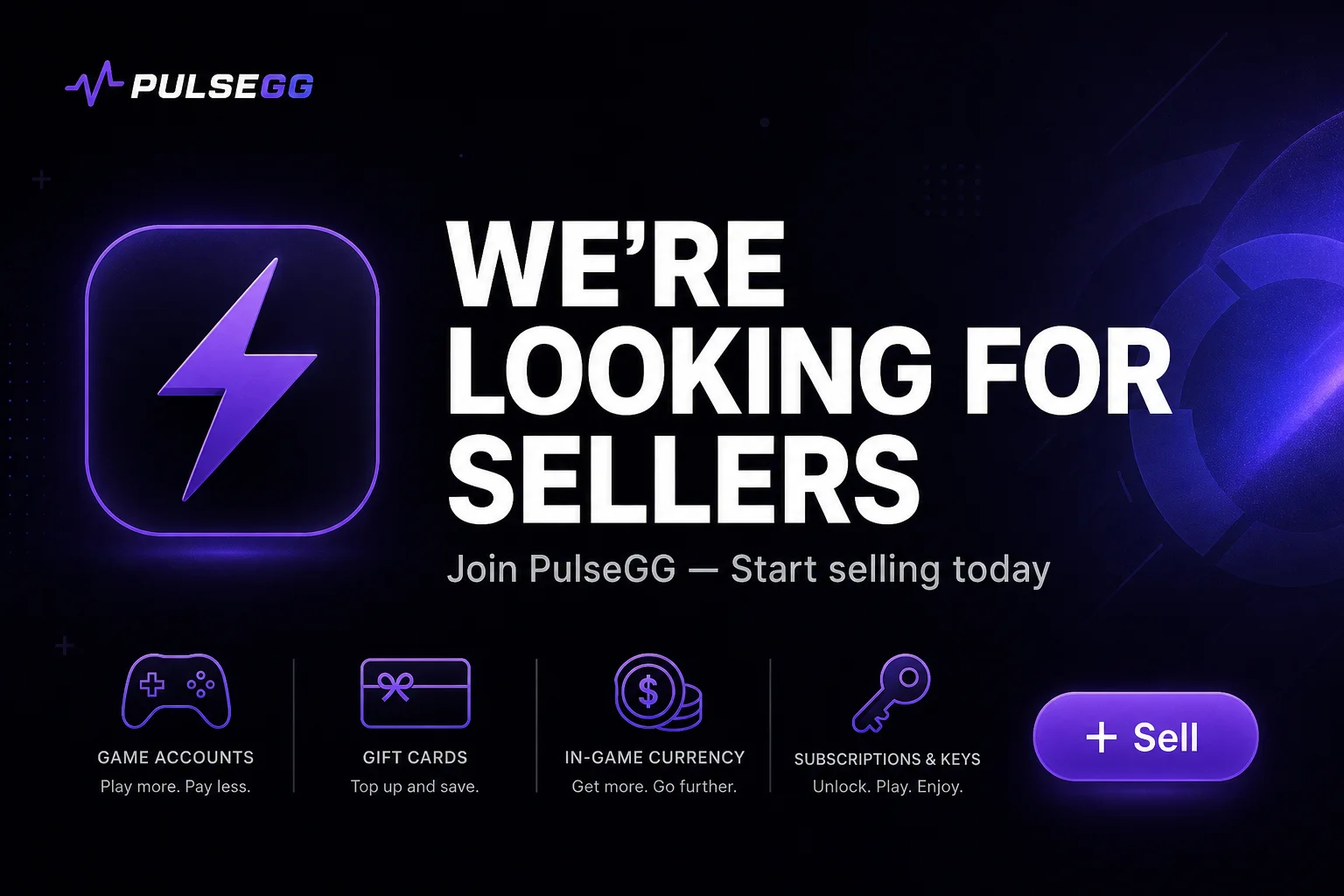
We're Looking for Sellers — Join PulseGG Today
PulseGG is growing fast and we need trusted sellers. Learn what you can sell, why join now, and how to register in a few simple steps.
PulseGG is building the go-to marketplace for digital gaming products — and we need more sellers to keep up with buyer demand.
Whether you sell gaming accounts, gift cards, subscriptions, in-game currency, or digital keys, there is room for you on PulseGG. Our buyers are already browsing every day. We are actively inviting new verified sellers to list products and grow with us.
Why sell on PulseGG?
- Built-in buyer trust — escrow protection, verified sellers, and a safety-first marketplace
- Reach gamers worldwide — list once and get discovered through browse, search, and categories
- Seller tools included — dashboard, order management, inventory, and payouts in one place
- Low barrier to start — create an account, verify your identity, and publish your first listing
What can you sell?
PulseGG supports a wide range of digital products, including:
- Gaming accounts (Fortnite, Valorant, Steam, OSRS, and more)
- Gift cards (Steam, PlayStation, Xbox, Netflix, Google Play, and more)
- Game subscriptions and premium access
- In-game currency and items
- Software keys and other digital goods
If it is digital and in demand, there is likely a buyer waiting for it.
How to register and start selling
Getting started takes a few minutes. Here is the full path from sign-up to your first listing:
Step 1 — Create your PulseGG account
Register with your email, display name, and password.
[card:Create your account|/auth/register|Sign up in under a minute]
You can also sign up with Google if you prefer.
Step 2 — Verify your email
After registration, check your inbox for a verification code and confirm your email address. This keeps accounts secure and unlocks seller features.
Step 3 — Complete identity verification
Before you can sell, PulseGG requires identity verification to protect buyers and maintain a trusted marketplace.
Go to your seller verification page, upload your ID or passport, and submit the required verification photo. Our team reviews submissions as quickly as possible.
[card:Complete verification|/seller-dashboard/verification|Upload your documents and get approved]
Step 4 — Activate your seller account
Once verification is approved, open the seller dashboard and click Start Selling to activate your seller account.
[card:Open seller dashboard|/seller-dashboard|Manage listings, orders, and payouts]
Step 5 — Publish your first listing
Create your first product listing from the seller inventory page. Add a clear title, description, price, and images so buyers can find and trust your offer.
[card:Create a listing|/seller-dashboard/inventory?new=1|Add your first product to the marketplace]
Tips for new sellers
- Use accurate titles and descriptions — buyers search by game, platform, and product type
- Set competitive prices and respond quickly to messages
- Keep your verification documents clear to avoid review delays
- Read our Safety center to understand escrow and buyer protection
Ready to join?
PulseGG is open for business — but we cannot grow without great sellers like you. If you have digital products to sell and want a secure platform with real buyer traffic, register today and start listing.
[card:Become a seller|/auth/register|Join PulseGG and start selling today]
Questions? Visit our Help center or contact us.
Related articles
 NEWS
NEWSPulseGG Marketplace Update
New features for buyers and sellers — escrow, blog, and improved seller tools.
 NEWS
NEWSPulseGG Mobile Apps — Coming Soon
Native iOS and Android apps are on the way. Browse deals, chat with sellers, and manage orders from anywhere.
 SAFETY
How to Buy Digital Products Safely on PulseGG
Everything you need to know about escrow, verified sellers, and dispute protection.